
Last fact-checked: October 21, 2026. Editorial comparison based on official product documentation, not hands-on benchmarking.
Comparing ChatGPT Projects vs Claude Projects is a useful starting point for choosing an AI workspace in 2026. Opening a new AI chat is easy. Finding the right instructions, reference files, and decisions from last week is harder. That is the problem AI workspaces are designed to solve. Instead of repeatedly explaining what you are working on, you can keep some of that context in one place and return to it when the next task arrives.
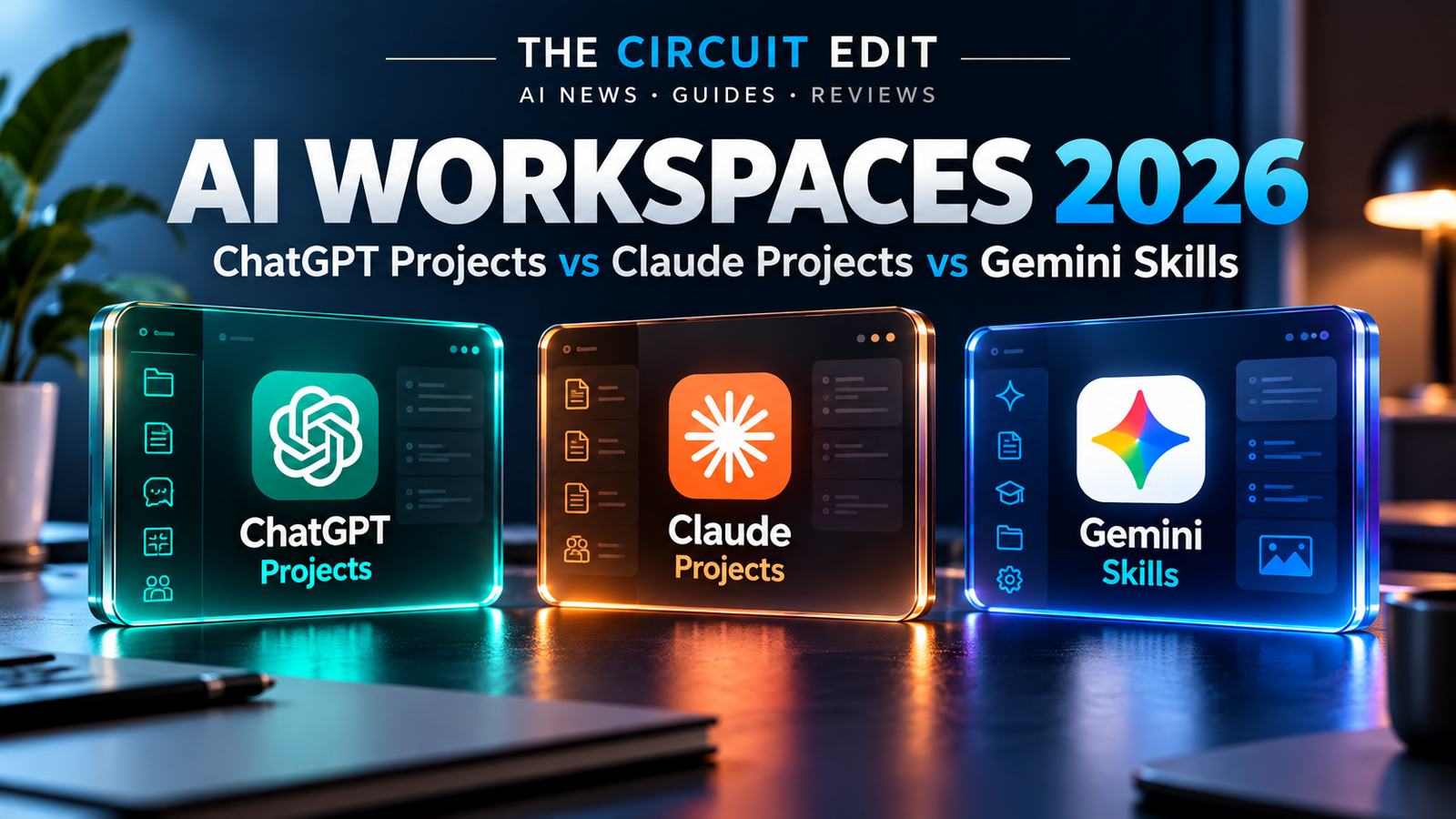
Three AI productivity approaches worth comparing in 2026 are ChatGPT Projects, Claude Projects, and Gemini Skills. ChatGPT and Claude offer project-based workspaces for organizing conversations, instructions, and reference materials. Gemini Skills takes a different approach, focusing on reusable instructions for specific tasks. Google’s earlier Gems feature is also relevant because of the transition toward Skills.
So which should you use? This guide compares what each product actually offers, where the differences matter, and how to build a useful workflow without paying for features you do not need.
Quick verdict: Which AI workspace should you choose?
- Choose ChatGPT Projects if you want to keep related chats, files, and project-specific instructions together for ongoing research, planning, or content creation. Project sharing is also available, subject to plan limits and workspace settings.
- Choose Claude Projects if your work revolves around a focused collection of reference documents and you want a separate knowledge base and instructions for each project. Free accounts can create up to five projects.
- Consider Gemini Skills if you want a reusable custom assistant within Gemini. However, new users should account for Google’s announced move from Gems to Skills rather than build a long-term process that depends on today’s Gems interface.
Our editorial recommendation: For a beginner organizing a recurring research or writing workflow, start with the free project feature in the AI tool you already use. Move to a different product only when a specific limitation—not a feature checklist—justifies the switch.
ChatGPT Projects vs Claude Projects vs Gemini Skills: Feature Comparison
| Feature | ChatGPT Projects | Claude Projects | Gemini Gems / Skills |
|---|---|---|---|
| Core concept | Workspace for related chats, files, and instructions | Workspace with chats, knowledge, and instructions | Reusable custom assistant; transitioning to reusable Skills |
| Custom instructions | Yes, at project level | Yes, at project level | Yes, via Gem instructions; Skills use reusable instructions |
| Reference materials | Files can be added to projects | Files can be added to project knowledge | Gems support knowledge files; supported files transition to Skills |
| Free availability | Projects available on Free accounts | Up to five projects on Free accounts | Availability and interface depend on account and rollout |
| Notable limits | Project file and usage limits vary by plan; check current help documentation | Knowledge capacity and collaboration features vary by plan | Gems-to-Skills transition and availability vary by account and rollout |
| Collaboration | Project sharing available with plan-specific limits | Project sharing in current version for Team and Enterprise | Skills sharing capabilities are evolving |
| Best starting point | Long-running tasks with multiple related conversations | Document-centered tasks with defined reference knowledge | Reusable task-specific instructions in Gemini |
Gemini update (October 2026): Google is transitioning Gems to Skills. For personal Google accounts belonging to adults, Gems are scheduled to become read-only on November 17, 2026, and be removed on December 17, 2026. Google plans to migrate supported files automatically, but some files may not transfer.
What is an AI workspace, and why does it matter?
An ordinary chat is useful for a single question. A workspace becomes useful when the same project spans several sessions: a student revising one course, a marketer preparing a campaign, or a business owner maintaining a customer-support knowledge base.
The practical value comes from three elements: context (the documents and background the assistant can consult), instructions (how you want answers structured), and continuity (a way to keep related work organized). None of these guarantees factual accuracy. An assistant can still misread a file, miss a recent change, or confidently produce an incorrect answer. Important claims should be checked against the original material.
ChatGPT Projects: Best for ongoing, connected work
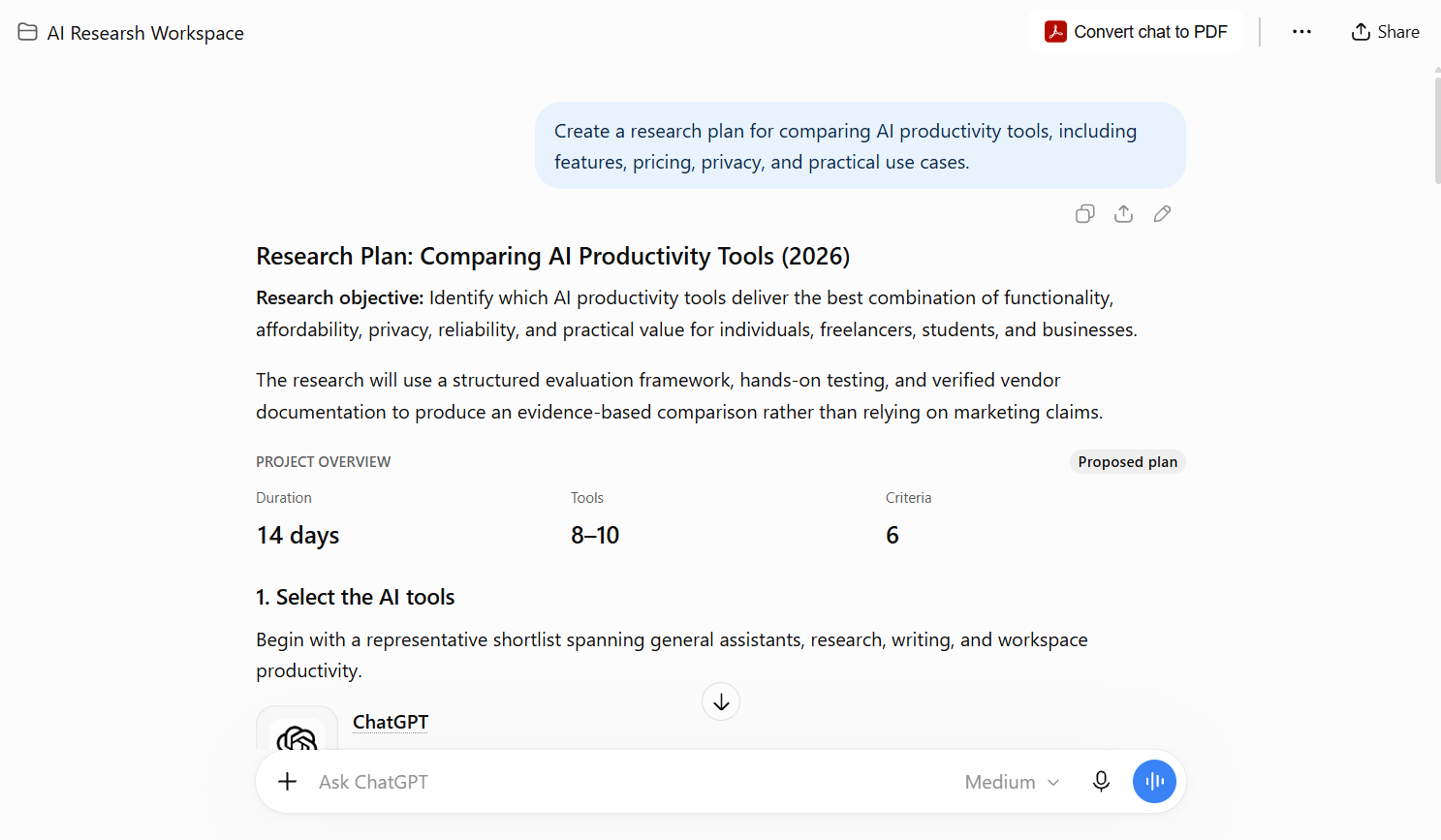
OpenAI describes Projects as a way to keep related conversations, files, and instructions together. A project might contain a publication’s editorial guidelines, a research brief, and separate chats for headlines, drafts, and fact-checking. This is more manageable than repeatedly attaching the same context to unrelated chats.
What ChatGPT Projects do well
- Organize related work: Group conversations under a recognizable project name.
- Reuse source material: Add PDFs, documents, spreadsheets, images, or text as reference material, subject to limits.
- Apply consistent guidance: Add project instructions that define audience, style, and working rules.
- Support collaboration: Share projects when your plan and workspace configuration allow it.
Project file limits and other usage allowances depend on your ChatGPT plan. Check OpenAI’s current Projects documentation before choosing a paid subscription.
Where ChatGPT Projects may fall short
Project context is not a substitute for source verification. Keeping old pricing notes or outdated policy documents in a project can make an answer less reliable, not more. There are also plan-dependent usage limits, and the privacy treatment of content varies with your account type and data-control settings.
How to create a ChatGPT Project
- Open ChatGPT and select New project in the sidebar.
- Give it a descriptive name, such as “AI Tool Reviews.”
- Open the project’s menu and choose Project settings to add instructions.
- Upload a small set of relevant, current reference files.
- Start separate chats for research, drafting, and final verification.
Useful instruction example: “Write for curious nontechnical readers. Distinguish verified facts from interpretations. Link to original sources. Never claim to have tested software unless test notes are provided.”
Claude Projects: Best for a focused reference knowledge base
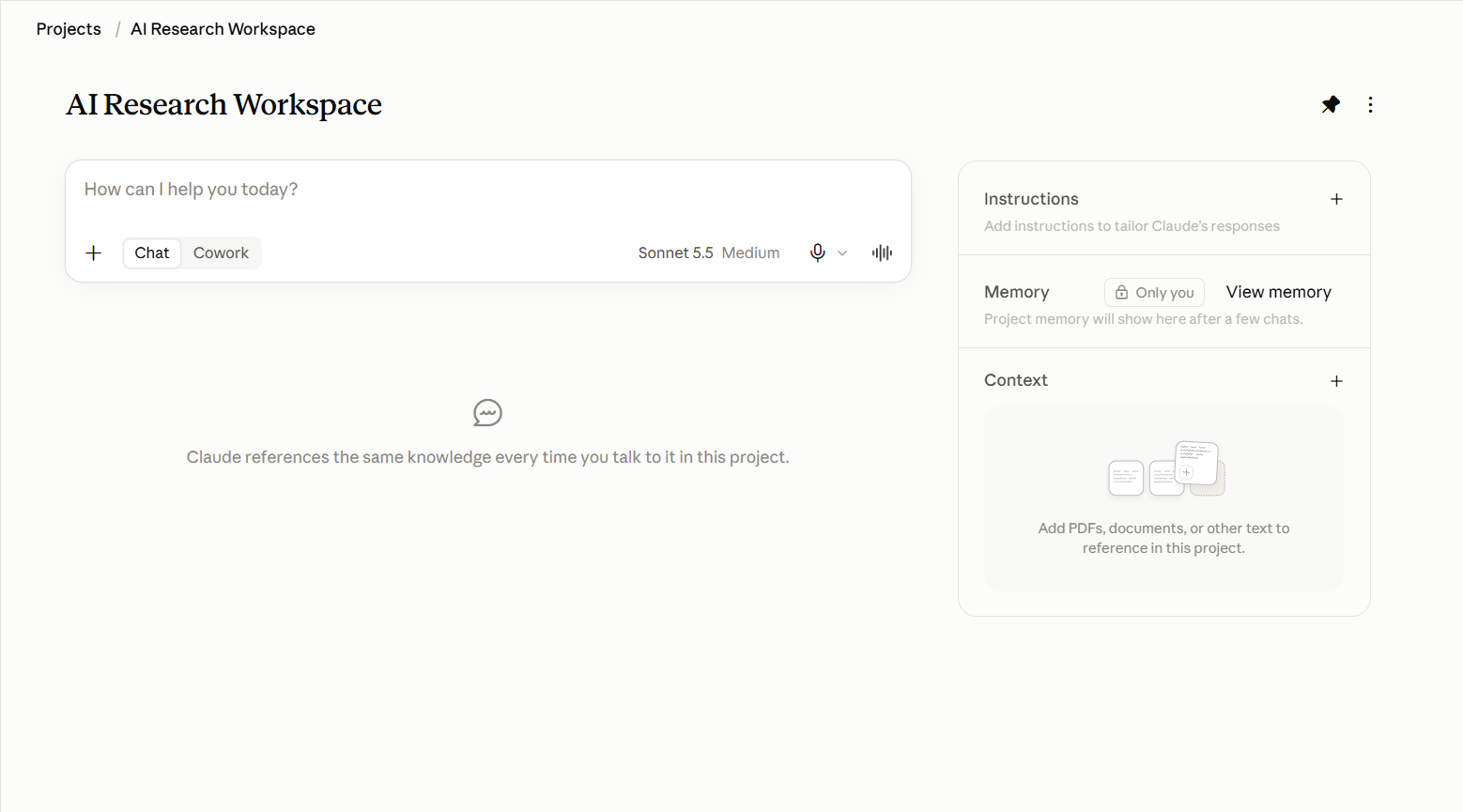
Anthropic’s current Projects experience provides self-contained workspaces with their own conversations and knowledge bases. You can upload reference documents and add instructions to shape how Claude responds. According to Anthropic’s documentation, free users can create a maximum of five projects.
What makes Claude Projects distinctive?
The knowledge-base approach is useful when you have a defined set of documents: product specifications, editorial standards, policy notes, or training materials. Anthropic also describes enhanced project knowledge using retrieval-augmented generation (RAG) on paid plans. This can help projects work with larger collections of material, but it does not eliminate the need to verify answers against source documents.
Anthropic is also rolling out a new Projects experience in beta, beginning with selected Claude Code users. Because rollout is staged, screenshots and menus may differ between accounts. The steps below refer to the established Projects interface rather than the beta experience.
How to set up a Claude Project
- Open Claude and navigate to Projects.
- Create a project and give it a specific purpose.
- Add relevant files to the project’s knowledge area.
- Use Set project instructions to define response style and evidence requirements.
- Ask a question grounded in your uploaded materials, then check the response against the documents.
Practical example: A small company can upload approved product descriptions and a brand voice guide, then ask Claude to draft a customer-facing explanation. A human should still confirm pricing, availability, and claims before publication.
Gemini Skills: How It Compares to Projects
Gemini Skills are reusable sets of instructions designed to help Gemini perform specific tasks consistently. Unlike ChatGPT Projects and Claude Projects, which organize related conversations and reference materials, Skills focus on how Gemini carries out a task. Google’s earlier Gems feature provides useful context for understanding this approach.
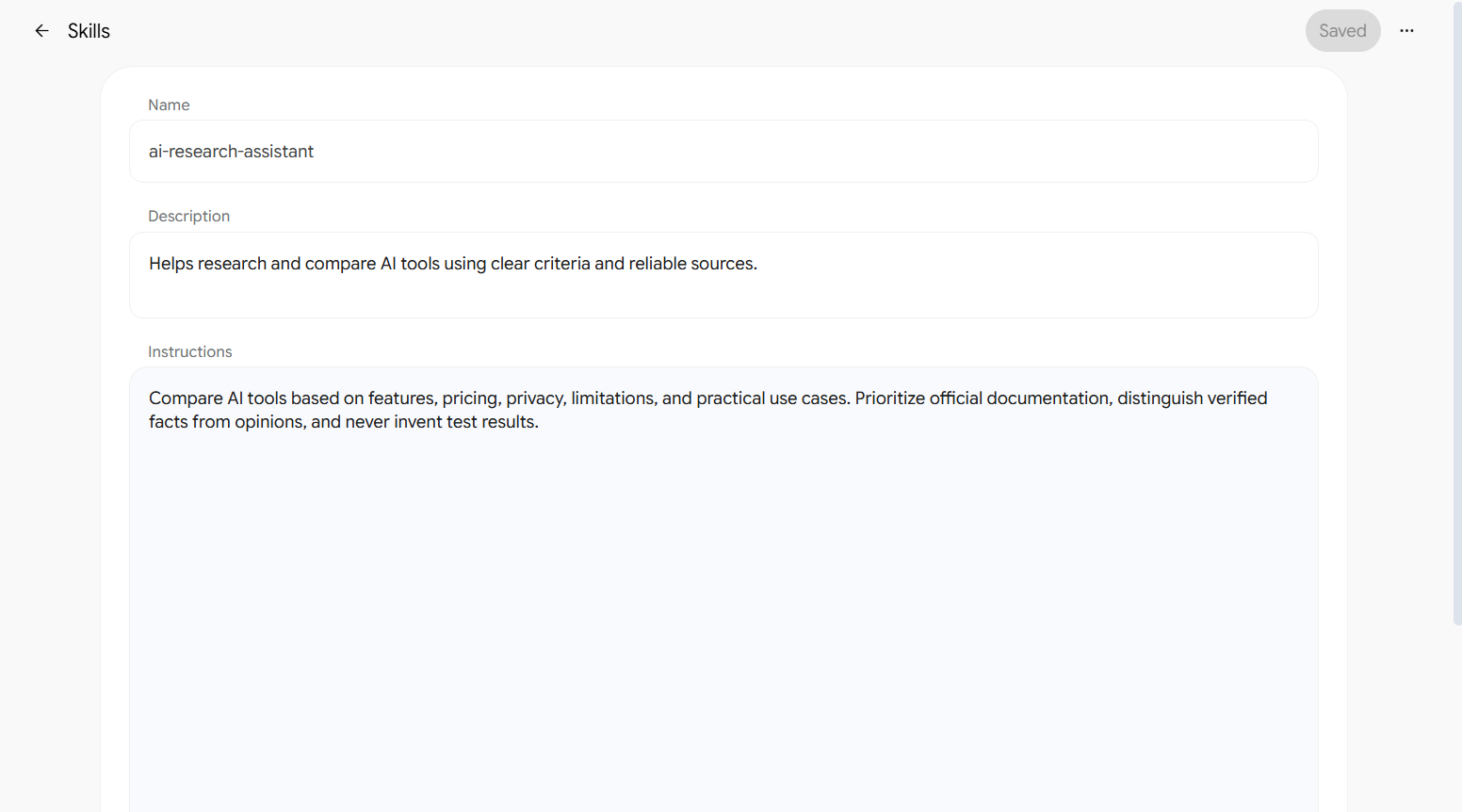
However, the transition matters in 2026. Google says Gems will transition to Skills for personal Google accounts starting in November 2026, followed by work and school account transitions in 2027. Google says existing Gems and supported files will be recreated as Skills automatically as Gems are removed.
Why Skills may be more flexible
Google describes Skills as reusable instructions that can be invoked from a Gemini chat and combined with other Skills. Rather than switching to a dedicated Gem each time, a user may be able to apply the relevant Skill within an existing conversation. The availability of individual features depends on the account and rollout stage.
What should current Gems users do?
- Review your existing Gem instructions and knowledge files.
- Keep a separate backup of any important original documents.
- Check Google’s official transition guidance before rebuilding anything manually.
- For new workflows, evaluate Skills first if they are available to your account.
Three realistic use cases
1. A student preparing for exams
The student needs a course outline, lecture notes, practice questions, and a repeatable study routine. A ChatGPT Project or Claude Project is a logical starting point because the materials belong to one ongoing subject. The student should compare answers with their course materials, especially for formulas, citations, and technical definitions.
2. A content creator publishing weekly guides
The creator needs a consistent voice, an editorial checklist, sources, and a place to keep drafts organized. ChatGPT Projects fits a workflow built around multiple related chats. Claude Projects is equally worth considering if the creator’s process relies heavily on a curated set of reference documents. Neither platform can replace original reporting or first-hand product testing.
3. A small business repeating one task
Suppose a business wants to turn meeting notes into a standard action summary. A reusable Gemini Skill may be convenient when the task is defined primarily by instructions rather than a large, evolving collection of project conversations. If the process depends on confidential files or team access, review the relevant account controls before uploading anything.
A fair way to compare these tools yourself
Instead of relying on a generic “best AI” ranking, use the same small, non-sensitive test task in each product:
- Prepare a two-page briefing document containing five factual requirements.
- Write the same instruction: “Summarize the document, identify unresolved questions, and separate facts from recommendations.”
- Check whether each answer correctly reflects all five requirements.
- Revise the instructions and repeat the task in a new conversation or the equivalent reusable context.
- Record setup time, missing facts, confusing steps, and any plan limits you encounter.
This article does not report results from that test. It provides a reproducible method readers can use to make their own choice.
Privacy, accuracy, and cost: What to check before uploading files
- Sensitive information: Avoid uploading customer records, passwords, medical data, or confidential business documents unless your organization has approved the tool and its controls.
- Data settings: Review training and data-use options for your specific plan. OpenAI notes that project content on certain consumer plans may be used to improve models when the relevant setting is enabled.
- Outdated sources: Replace superseded documents and add dates to policies, price lists, and product notes.
- Usage limits: A free workspace feature does not mean unlimited model messages, uploads, or advanced capabilities.
- Subscriptions: Verify current plan prices directly with the provider before upgrading; prices and feature bundles can change.
Frequently asked questions
Are ChatGPT Projects free?
Yes. OpenAI says Projects are available to signed-in Free users, with plan-dependent file and collaboration limits.
How many Claude Projects can free users create?
Anthropic’s help center says free users can create up to five projects.
Are Gemini Gems being discontinued?
Google has announced a transition from Gems to Skills. The change begins in November 2026 for personal Google accounts, with work and school account transitions scheduled for 2027. Google says existing Gems and supported files will be converted.
Can an AI project guarantee accurate answers from uploaded documents?
No. Reference files can improve relevance, but AI-generated answers can still contain omissions or errors. Check consequential claims against the original documents.
Which tool is best for writing articles?
For a multi-stage editorial process, ChatGPT Projects and Claude Projects are both sensible options. Choose based on your existing subscription, document workflow, collaboration needs, and the quality of results from your own sample task. An AI workspace should support editorial judgment, not replace it.
Should I pay for an AI plan just to use Projects?
Not necessarily. Start with the free features, note the limits you actually encounter, and upgrade only if a specific paid capability saves meaningful time or enables necessary work.
Final verdict: Start with your workflow, not the brand
There is no universal winner in this comparison. ChatGPT Projects is a strong fit for connected, ongoing conversations and reference files. Claude Projects offers a clear project knowledge-base model, including a limited free tier. Gemini’s Gems-to-Skills transition is worth watching if your main need is reusable instructions rather than a dedicated project workspace.
The most practical next step is simple: choose one real task, organize its sources, write clear instructions, and test the result. If your current tool handles that task reliably, there may be no reason to switch. The best AI workspace is the one that helps you produce work you can verify, maintain, and improve.
Official sources and further reading
- OpenAI Help Center — Projects in ChatGPT
- Claude Help Center — What are projects?
- Claude Help Center — Create and manage projects
- Google Gemini Help — About the transition from Gems to Skills
Editorial note: This guide is a documentation-based comparison. The Circuit Edit did not conduct hands-on speed, quality, or accuracy benchmarks for these tools. Feature availability can change after publication.
[…] test screenshot · OpenAI Projects documentation. For a broader comparison, read our ChatGPT Projects vs Claude Projects vs Gemini Skills guide . […]